A Custom UI For Running Local AI Models
I couldn't find one for my needs, so I built my own.

I like keeping things locally on my machine and that includes my use of AI. Thankfully, there is ollama which provides opensource AI models to be run locally. You can check out the website: ollama.com.
Available Options
- openwebui: It is okay. Similar UI to ChatGPT, but too heavy.
I tried other ones, but I forgot their names :).
I started the research early February. It’s almost been a month. I remember openwebui because that was what came close to what I wanted.
My Solution
I wanted simple features:
- A chat interface with context.
- File upload in chat.
- Local database searchable by AI.
- Chat history to continue past conversations.
- Use any model to continue the conversation.
Tools
I wanted to keep it simple and use existing building blocks. I also did not want to make things heavy like openwebui. A good balance informed the choices:
- streamlit: For web ui.
- sqlite: For persistent local storage.
- ollama: For working with local AI models.
- chroma_db: For vector search to feed into AI model context.
- pymupdf4llm: To parse text from pdfs for llms.
Source code: codeberg.org/davesaah/lui
Screenshots
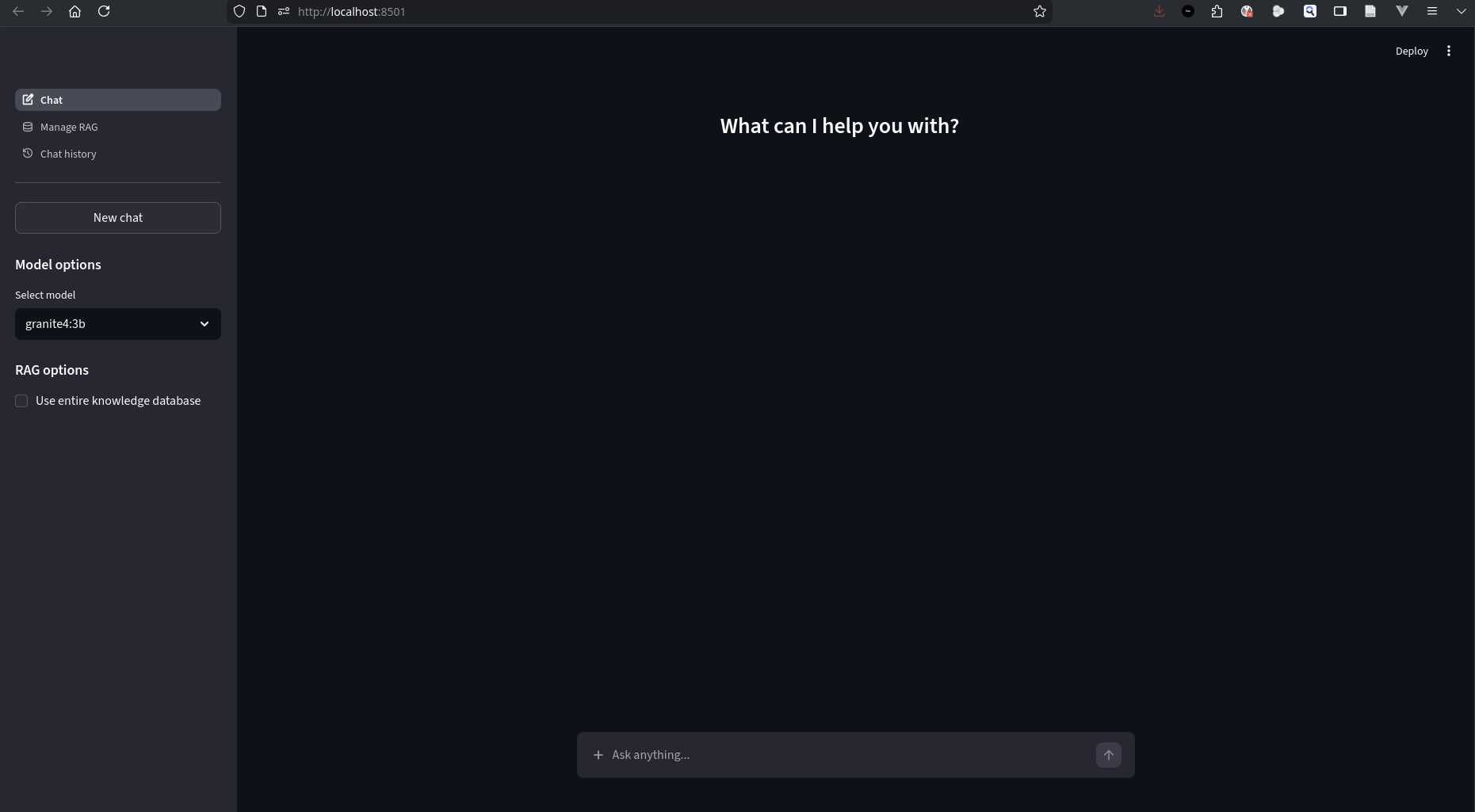 Welcome Page
You will notice a checkbox at the sidebar: Use entire knowledge database. It allows you to add all saved local data as context. It is similar to ChatGPT’s memories.
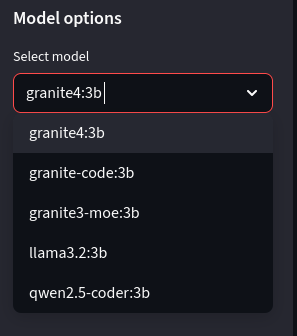 Model Options
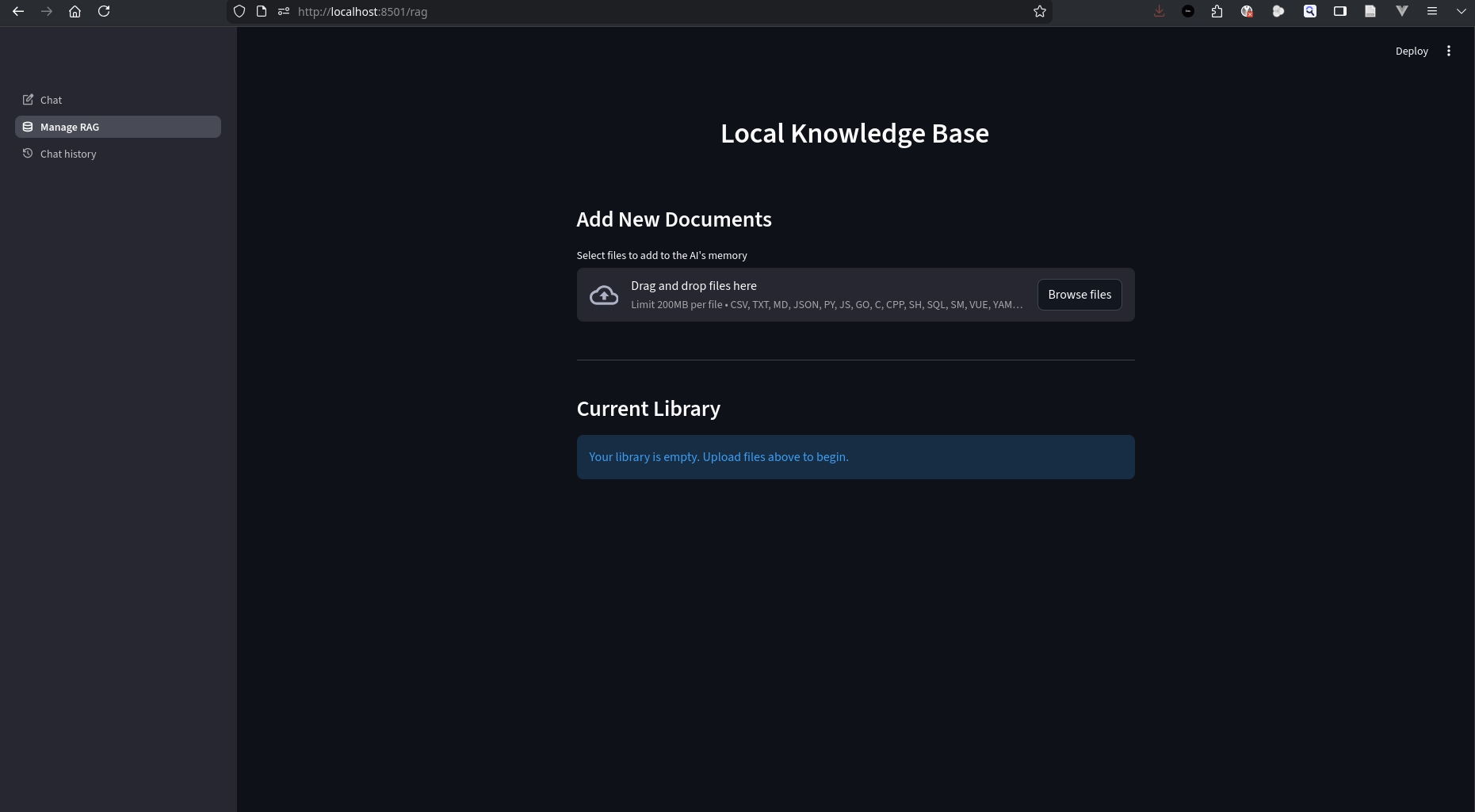 Local Knowledge Context
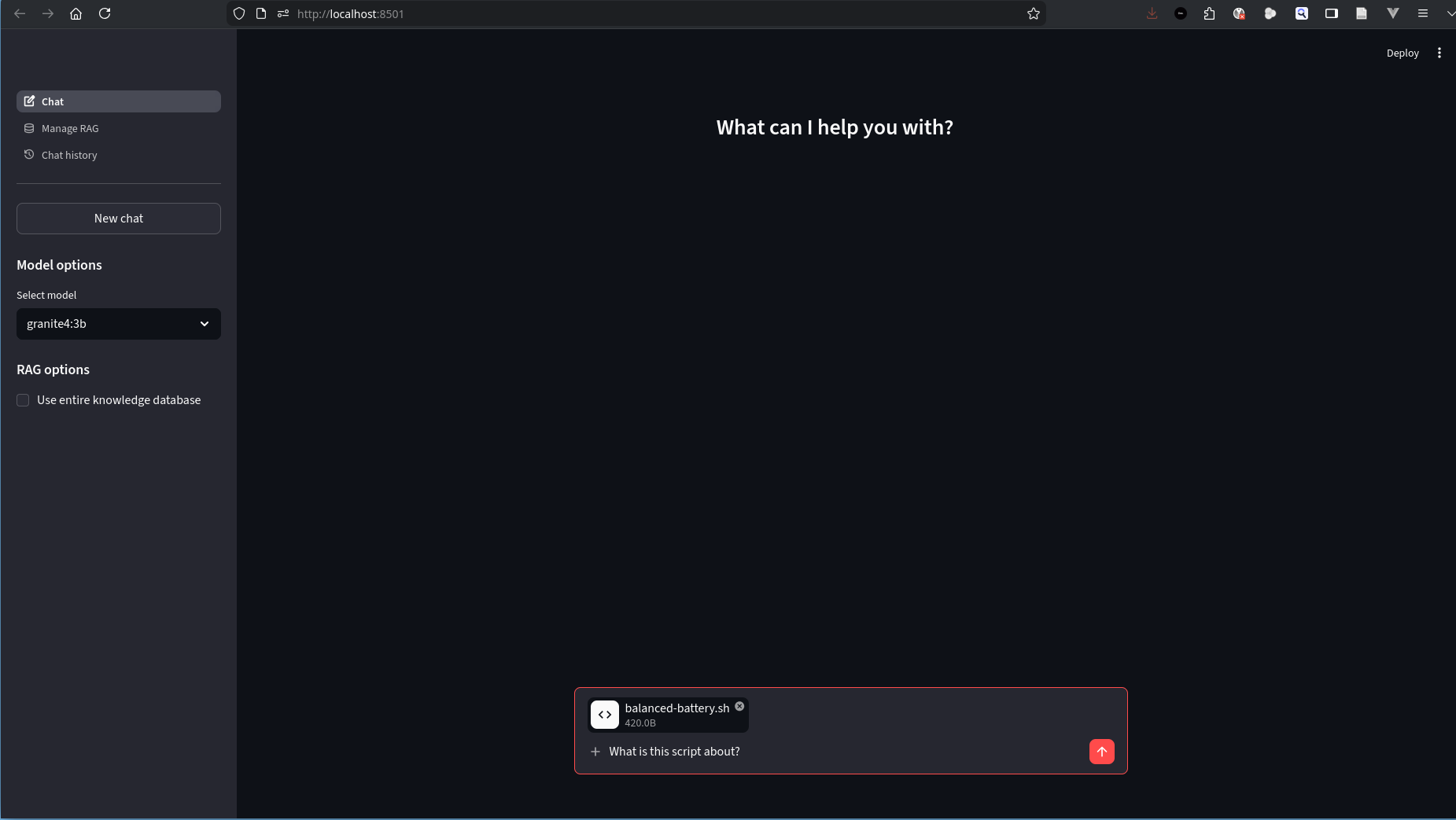 Chat With File - Phase 1
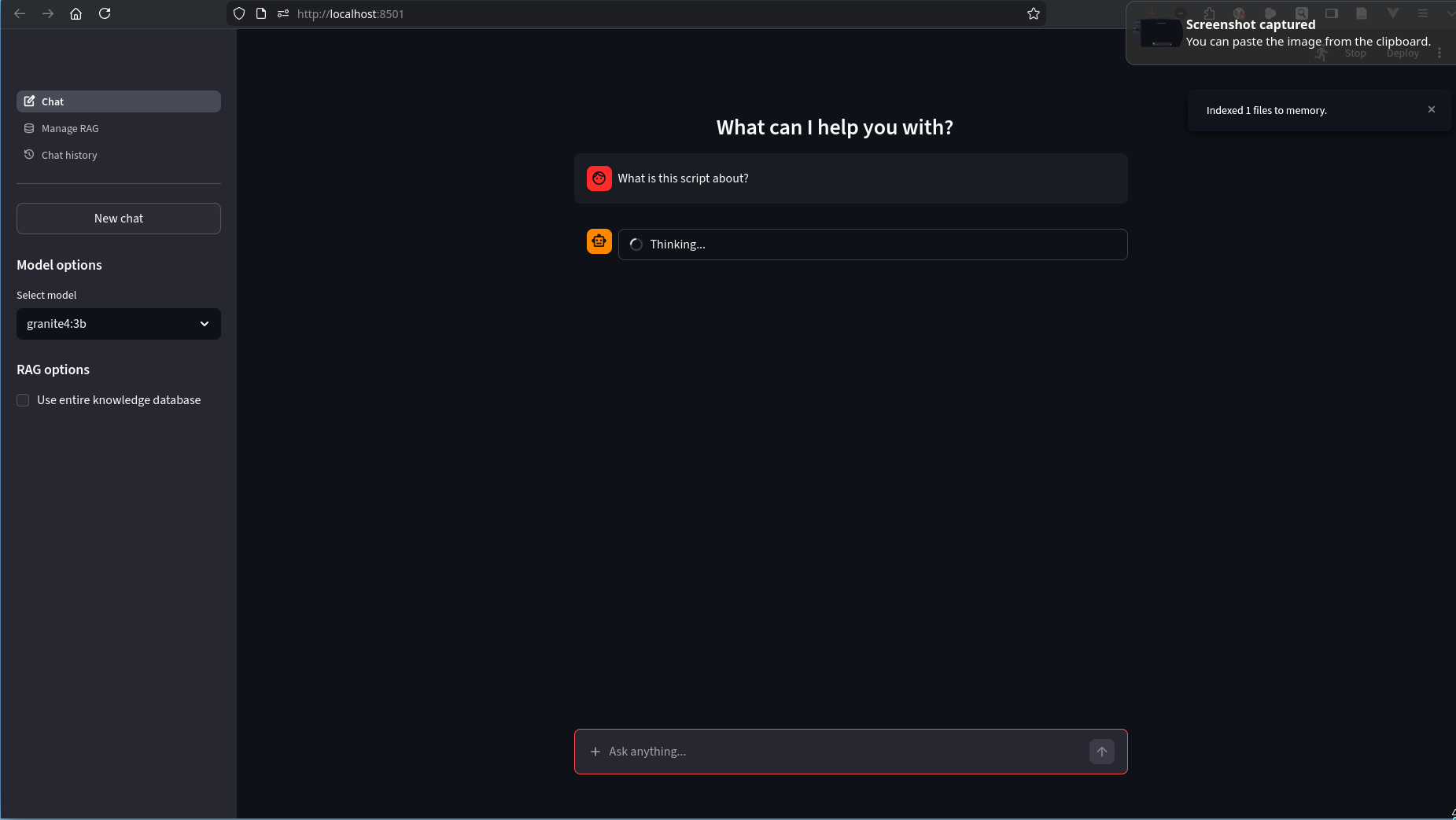 Chat With File - Phase 2
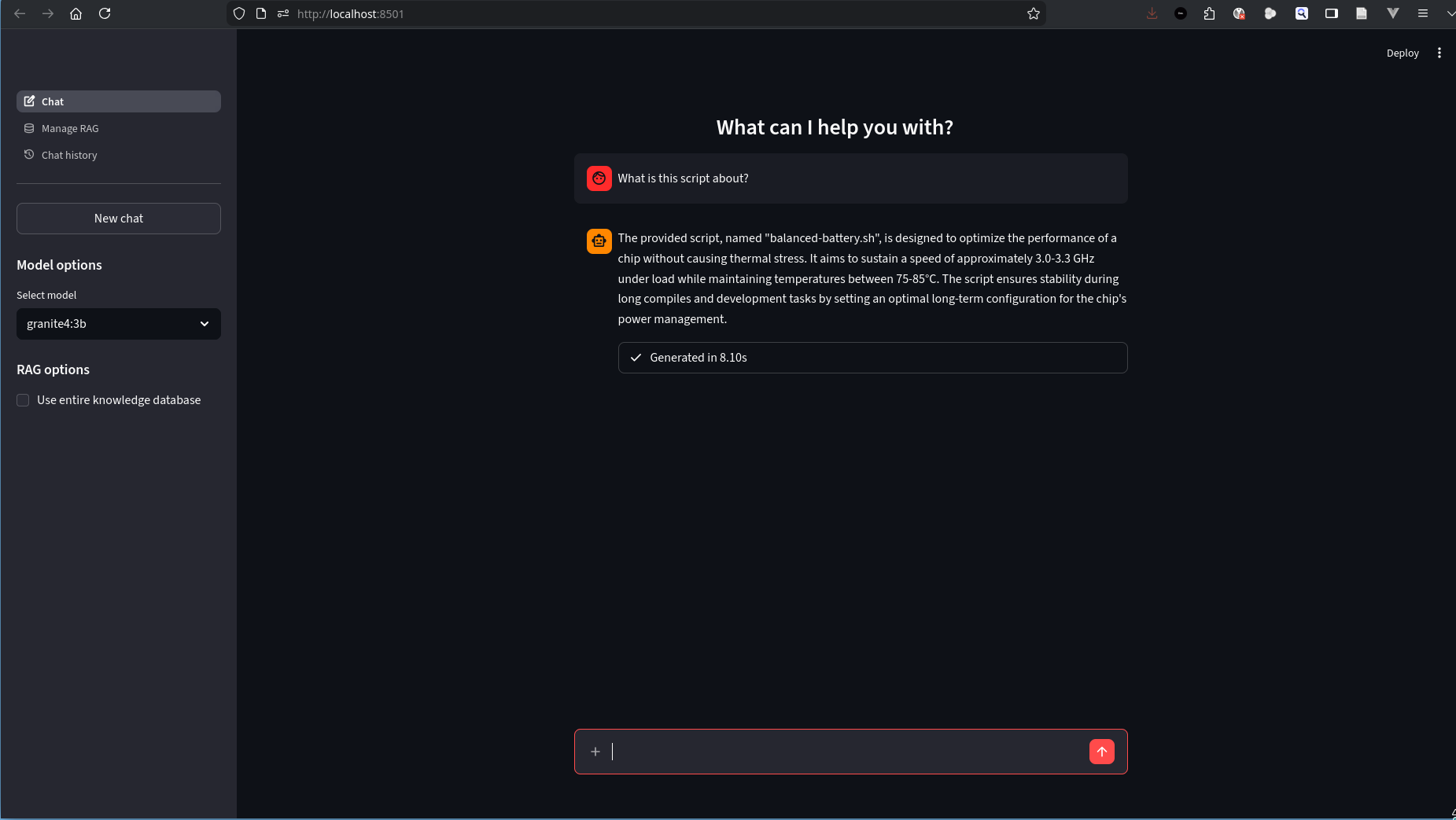 Chat With File - Phase 3
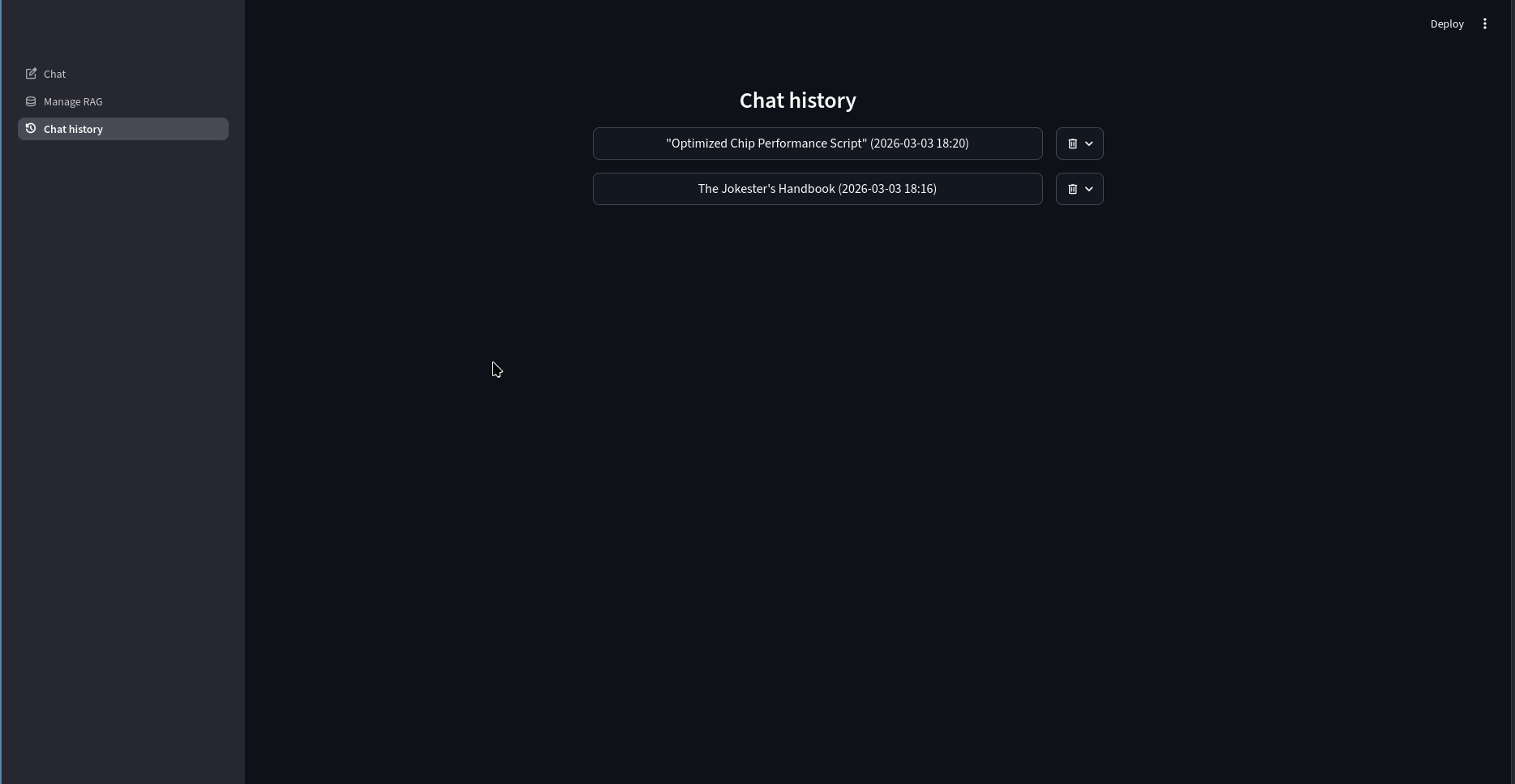 Chat History
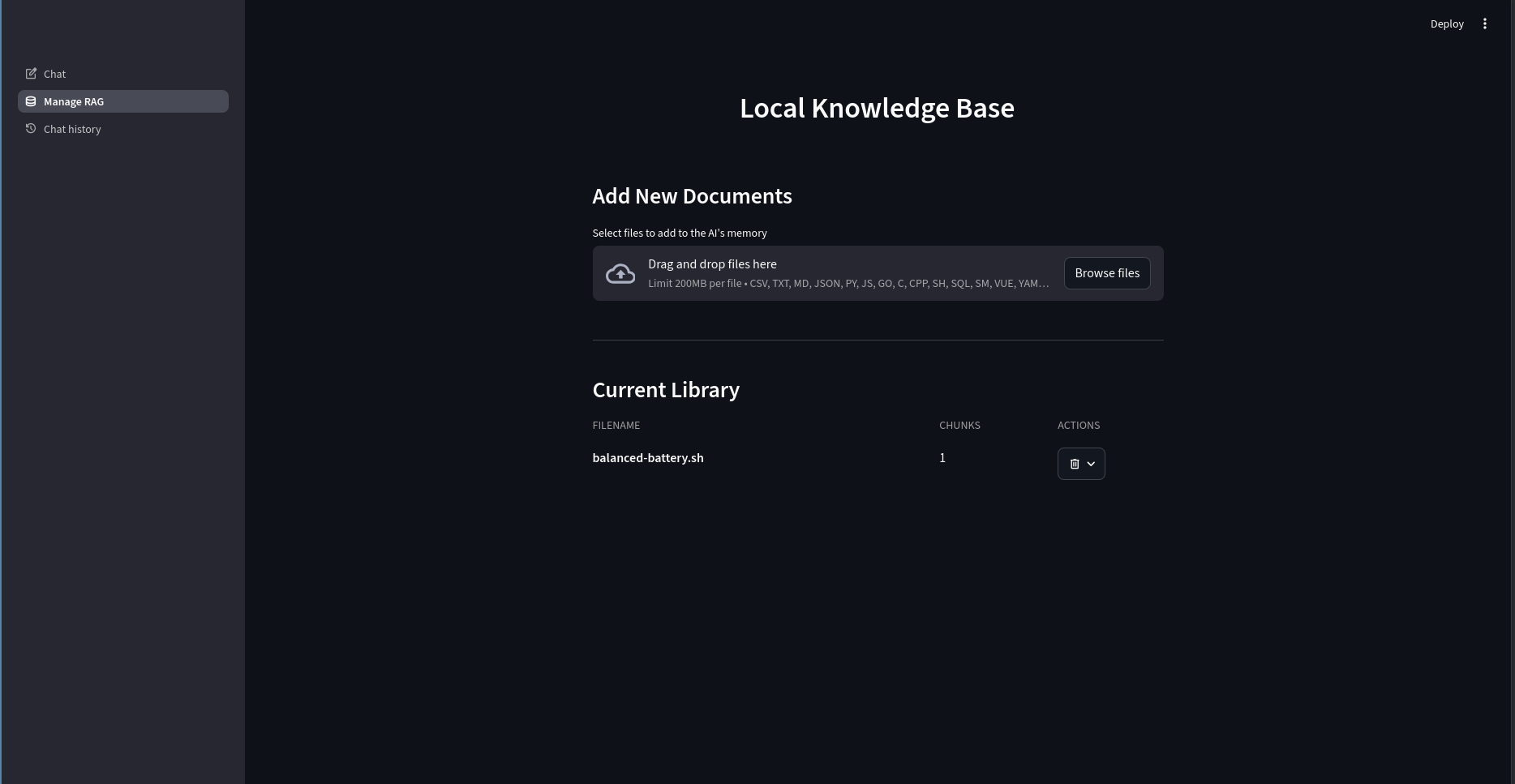 Local Knowledge Context
Conclusion
It was a fun project. It took me 3 weeks to explore existing projects and create the one perfect for my use case. It was worth the time. Now, I can ask my AI anything without having to think about my data being shared with 3rd parties. As always, doing my job as a linux community member and reinventing the wheel. See you in the next one. Take care.