Setting Up Android For Backend Development
Find out how to build software on android without a laptop

At the moment, I do not own a laptop or a desktop. However, I cannot cease learning so I can be a great problem solver. Before I ever got a laptop for school, I was programming on my phone. My first ever code was written and executed on an phone. I wanted to document the processes I went through to setup my android device for writing software.
Initial Steps
We need to download and install F-Droid here. Checkout their website for the process: Fdroid.
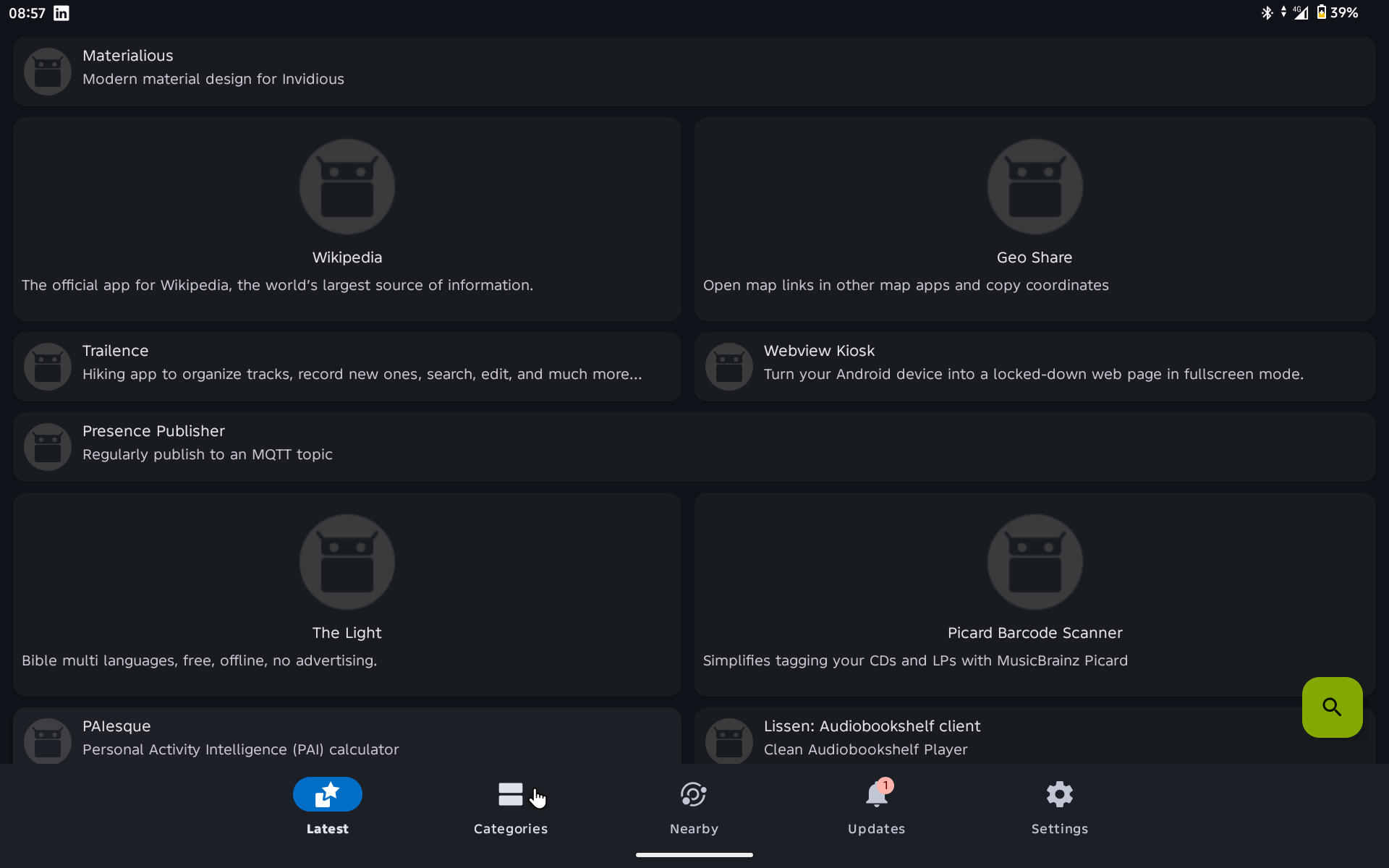 Screenshot of Fdroid
Search and install Termux and Termux API.
Setting Up Termux
The first commands to run after opening termux are:
1
pkg update && pkg upgrade
This updates all the packages in the repository.
Android Integration
1
termux-setup-storage # allow termux to access your file storage
You should be able to access all files in your android device in the path: /storage/shared/.
1
pkg install termux-api
This allows syncing termux with android. I install this to sync my system clipboard with termux’s clipboard. That’s the only reason I use it. But I’m sure it can be used for more other hacky things, but that’s not the focus of this documentation. Remember we installed a separate termux-api from F-Droid. Yes, that is required for this package to work as expected.
Installing Linux on Android
Strictly speaking, android is a Linux distro. Termux provides us the tools to harness the kernel’s power. Nonetheless, if you want to get some professional work done, you’d inevitably hit a roadblock with installing certain packages.
Then again, there are some tools that just won’t work unless your device is root and I don’t want to root my device. An example of such software is docker. The reason is the need to access kernel space which android blocks.
Other than that, anything done on Linux can be achieved using termux directly or installing another distro on top of it.
We will install proot-distro to achieve that.
1
pkg install proot-distro
 Screenshot of supported Linux distros
Pick any distro and install. After that, whatever can be done in that Linux distro can be done on your android device.
You might want to buy a wireless keyboard and mouse. It makes life easier.
Customising my Setup
I prefer to minimise the use of a proot-distro as much as possible. Unless the native layer cannot achieve it, I won’t reach out for the alternative. I won’t bore you with the details of my setup.
Bonus Content
I went on exploring, knowing that anything that can be done one Linux, will be done in Linux. That is how much I believe and respect the community. I found a way to run docker. Since it is a linux device, we can install a virtual machine. However, the device needs to have more RAM, at least 8GB for a smooth workflow.
You can follow oofnikj’s guide here: How to install docker in termux. That is what I used and it worked seamlessly. I don’t use it often because there are noticable lags when you try to do a lot in the virtual machine. That becomes a drawback more than a win. For now, everything is bare metal. I ain’t DevOps. Got to focus on building my software.
Concluding Thoughts
If you have any questions regarding installing any package in termux, you can ask me in the comments and I’ll respond. Anything linux? I’m your guy.